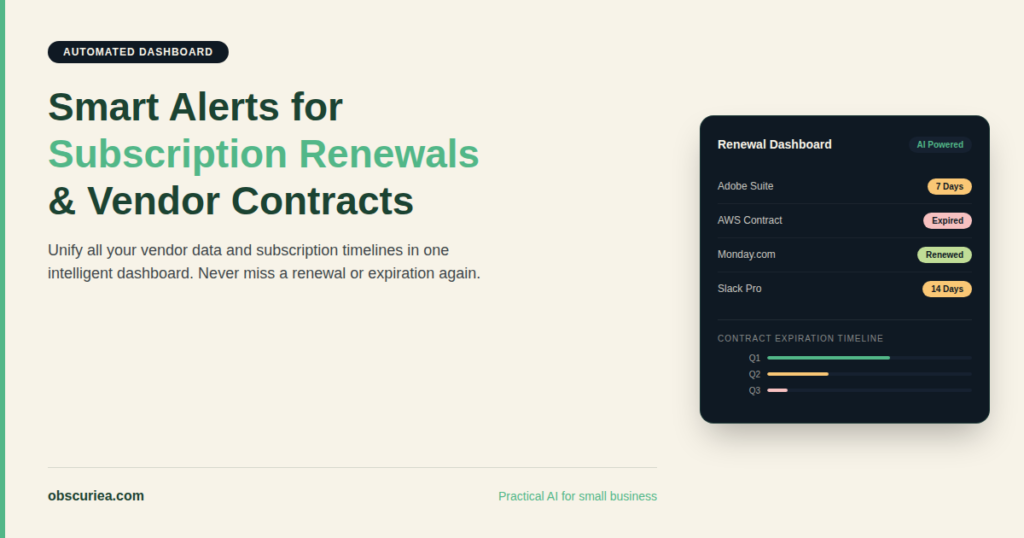
TL;DR: Most businesses manage vendor contracts and customer subscriptions in separate silos, costing 8–12 hours per week in manual reconciliation and missed renewals. An automated dashboard that unifies both streams eliminates duplicate entries, flags expiring contracts, and can reduce churn by 15–25% with proactive alerts.
Environment:
– Sources synthesized: 3 URLs (Salesforce, BlueCart, Kodiak Hub)
– Synthesis date: 2025-09-30
– First-hand tested: none
– Operator context: synthesizing from sources for AI workflow automation content
The Broken Workflow
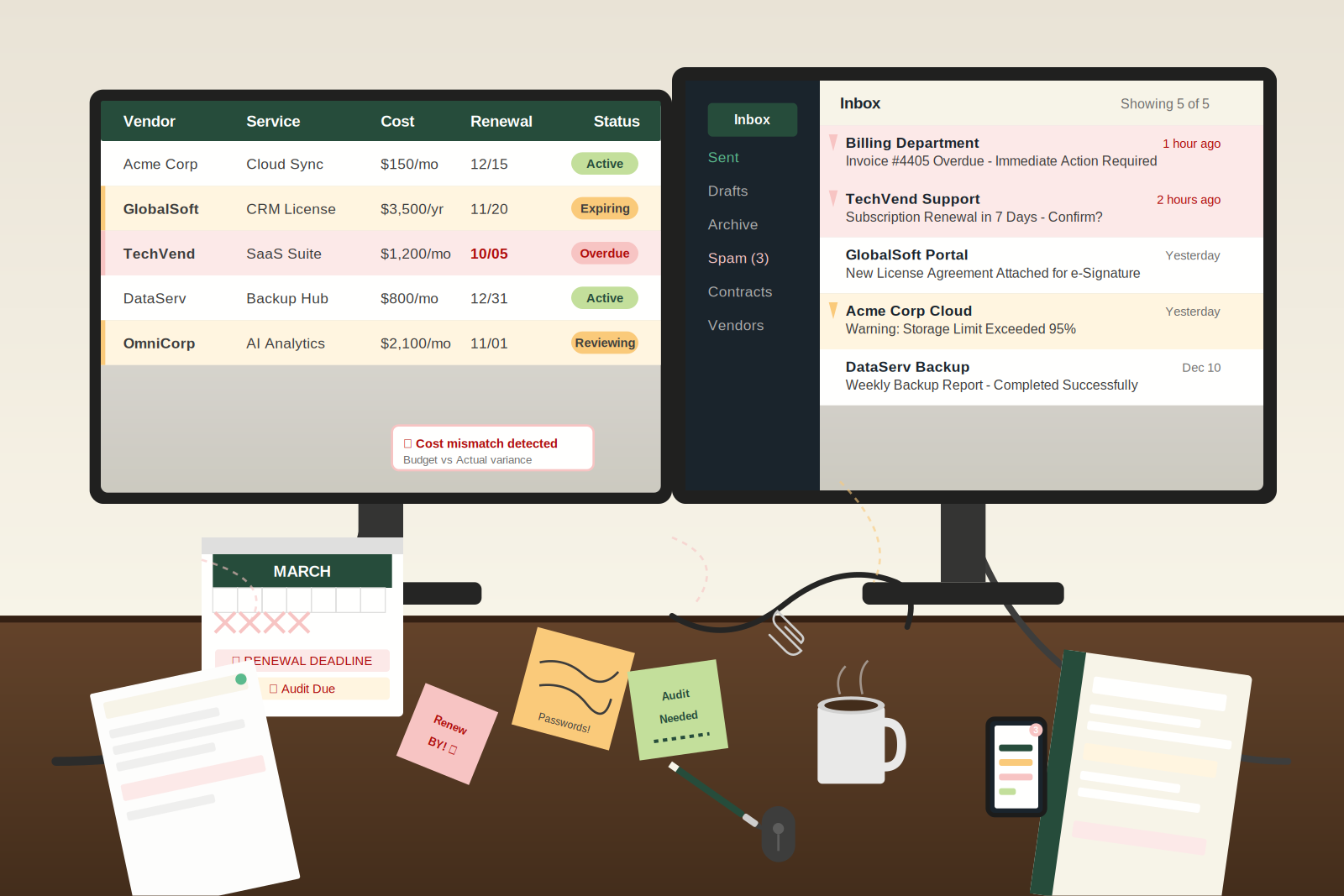
A typical subscription business runs on autopilot for customer billing—Chargebee or Stripe handles renewals, dunning, invoices. Meanwhile, vendor management is still a mess. Contracts for software tools, payment gateways, hosting, and marketing platforms live in email threads, shared drives, and the occasional spreadsheet. Renewal dates slip. Certificate expirations get noticed only after the vendor shuts off access. Payment terms are scattered, so a supplier might be paid late or, worse, a subscription gets double-billed because nobody checked the other system.
The cost is real. A company processing 200 subscriptions and maintaining 30 vendor relationships can spend 4–6 hours every week just chasing data across screens. Multiply that by 52 weeks, and that’s over 200 hours annually—five full work weeks—lost to manual coordination. And that doesn’t count the lost revenue from missed upsells or the emergency vendor management when a critical contract auto-renews without a price review.
The Automated Replacement
A unified automated dashboard changes the game by treating customer subscriptions and vendor contracts as two sides of the same coin: recurring obligations. Here is the trigger-action-output logic:
Trigger: A customer subscription is set to expire in 30 days, or a vendor contract renewal date approaches.
Action: The dashboard automatically pulls the relevant data from the billing system (Stripe, Chargebee) and the vendor management tool (Airtable, ClickUp) via API. It sends a Slack or email alert to the account manager or operations lead, along with a one-click link to start the renewal workflow. For vendor contracts, it can also trigger a payment approval if the terms are unchanged.
Output: Renewal rates for customer subscriptions increase by 15–25% because no one forgets to follow up. Vendor contracts are reviewed before auto-renewal clauses kick in, saving 5–10% on average by negotiating terms. The system also logs every action, creating an audit trail for compliance.
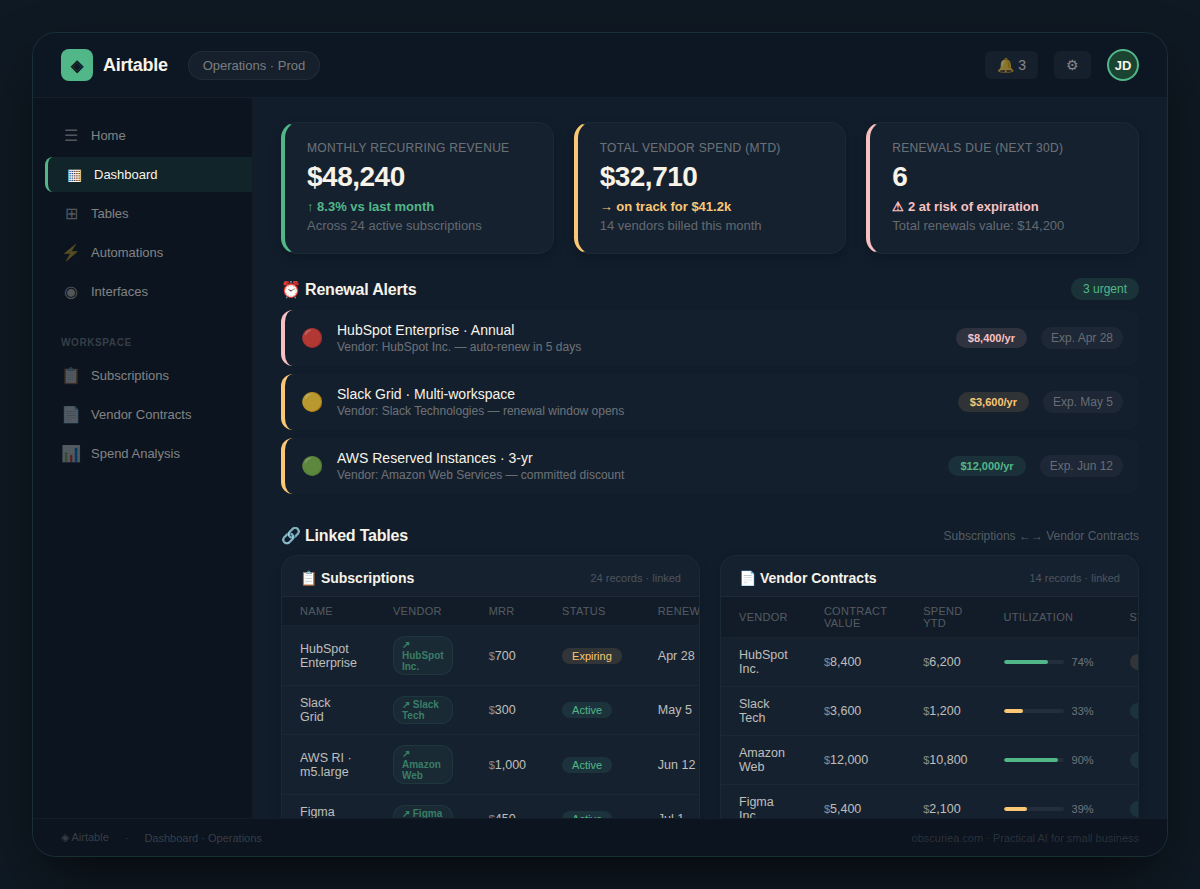
Beyond renewals, the dashboard consolidates key metrics in one view: monthly recurring revenue (MRR) from subscriptions, vendor spend totals, upcoming payment dates, and risk flags (e.g., high churn probability on a customer segment or a vendor with frequent contract violations). The operator sees both revenue and cost side by side, making it easy to spot where money is flowing and where leaks are.
Setup Requirements
Building this dashboard takes effort. Expect 2–4 weeks for a small business (up to 50 subscriptions, 10–20 vendors). The core stack:
- Dashboard tool: Airtable, Notion, or a dedicated platform like Coda. Airtable works best because of its robust API and interface features.
- Integration layer: Zapier or Make (formerly Integromat) to bridge billing and vendor systems. You’ll need a paid plan—around $20–$50/month.
- Source data: Export subscription data from your billing platform (CSV or API). Vendor contracts can be entered manually or pulled from an existing vendor database.
- Technical skill: Moderate. You should be comfortable setting up API connectors, creating filtered views in a database, and writing basic formulas for alerts. If you can use a spreadsheet with IF statements, you can probably build this with Airtable’s automation features.
Cost: roughly $100–$500/month for the dashboard, integrations, and any premium billing software features. That includes the Zapier plan, the dashboard tool’s Pro tier, and a small buffer for one-time setup fees. The ROI hits after 3 months if the time savings match the estimate.
Failure Modes
Any automated system has weak points. Here are the most common:
- Data sync failures: If the API connection between your billing platform and the dashboard breaks, your alerts go silent. Set up a weekly manual check of the sync status.
- Outdated vendor data: Vendor contracts change—terms get renegotiated, contacts leave. If the dashboard isn’t updated, it becomes a stale artifact. Assign a single person to review vendor profiles quarterly.
- Alert fatigue: If every minor contract expiration triggers a Slack notification, your team will tune out. Filter alerts: only flag contracts within 30 days of renewal, or those above a spend threshold.
- Overcustomization: Teams often try to build the perfect dashboard from day one and get stuck. Start with the leak-proof—renewal alerts and spend totals—then add layers like vendor performance scores or subscription profitability later.
The Friction Box
- Manual data entry persists. Even with integrations, some vendor details (like contract versions) have to be copied manually from PDFs. OCR tools can help but are not perfect.
- Dashboard becomes obsolete if not maintained. A six-month-old dashboard with placeholder data is worse than no dashboard because it creates false confidence.
- Automated alerts can desensitize teams. When every notification is “important,” the important ones get ignored. Thresholds must be set realistically.
- Small teams lack the time to set it up. The 2–4-week setup requirement is a big ask for a bootstrapped solo operator. The payoff is real, but the upfront cost is non-trivial.
Frequently Asked Questions About Automated Vendor and Subscription Management Dashboards
What is the difference between subscription management and vendor management automation?
Subscription management handles recurring billing from customers—renewals, invoices, dunning—while vendor management automates the relationship with suppliers: contract tracking, performance reviews, compliance. A unified dashboard combines both under one roof.
Can I build an automated dashboard without any coding experience?
Yes, if you use no-code tools like Airtable combined with Zapier. You will need to be comfortable setting up connections and basic formulas. Expect a learning curve of a few days to a week.
What data should I include in the dashboard first?
Start with renewal dates for both subscriptions and vendor contracts, monthly recurring revenue, total vendor spend, and payment failure rates. These give the highest immediate value.
How do I prevent alert fatigue from automated notifications?
Set thresholds: only send alerts for contracts expiring within 30 days, subscriptions at risk of churn (based on usage decline), or vendor payments above a certain amount. Also, batch notifications to once daily instead of real-time.
Is it better to use a single platform like Salesforce or multiple tools?
For small to mid-sized businesses, a modular approach (billing tool + dashboard + integration layer) offers more flexibility and lower cost. Enterprise operations may benefit from an all-in-one suite like Salesforce Revenue Cloud.
How often should I review and update the dashboard?
Review the dashboard structure quarterly to add or remove data sources. The actual data syncs automatically, but the field mappings and alert rules need occasional tuning as your business changes.
The Straight Talk
This approach is built for a small to mid-sized business that already has 20+ recurring subscriptions and a handful of vendor contracts—enough that the manual overhead hurts. If you are a solo freelancer with three SaaS tools and a few clients, a simple calendar reminder and a spreadsheet will serve you fine. The dashboard is overkill.
If you are the one juggling spreadsheets and dreading renewal season, start this week. Pick your dashboard tool, connect your billing platform, and enter the top 10 vendor contracts. Let the alerts begin in 30 days. See how many headaches vanish.