TL;DR
24/7 AI support agents are not magic — they are infrastructure. Deployed correctly, they capture leads, answer pre-sale questions, and slot into workflows that run while your sales team sleeps. But the difference between a profit machine and a money-pit chatbot is in the architecture: how you qualify queries, where the handoff happens, and what breaks at 3 AM. This article walks through the operational math, the failure points, and the build order that actually works for small to mid-size businesses.
Last updated: May 14, 2026
A 24/7 AI support agent is a three-layer system that captures leads, answers pre-sale questions, and slots into workflows while your sales team sleeps. It uses an intake layer, an AI decision layer trained on your knowledge base, and an action layer that responds, escalates, or routes leads. Properly deployed, it can reduce support costs by 96%.
Environment
- Sources synthesized: 3 URLs (ChatArm.ai top 7 list, n8n workflow page, aifire.co custom GPT guide)
- Synthesis date: 2025-04-06
- First-hand tested: None of the specific chatbots reviewed; operator experience with GPT-based bot integrations in e-commerce and service businesses (2022–2025).
- Operator context: Managed customer support automation for a 6-figure e-commerce operation, including chatbot setup, escalation logic, and A/B testing of conversion paths.
The Architecture
Most business owners approach AI support agents backwards. They start with the tool — “Let me get a chatbot” — and then try to force-fit it into their operations. The right order is to design the system architecture first, then pick the tool that fits.
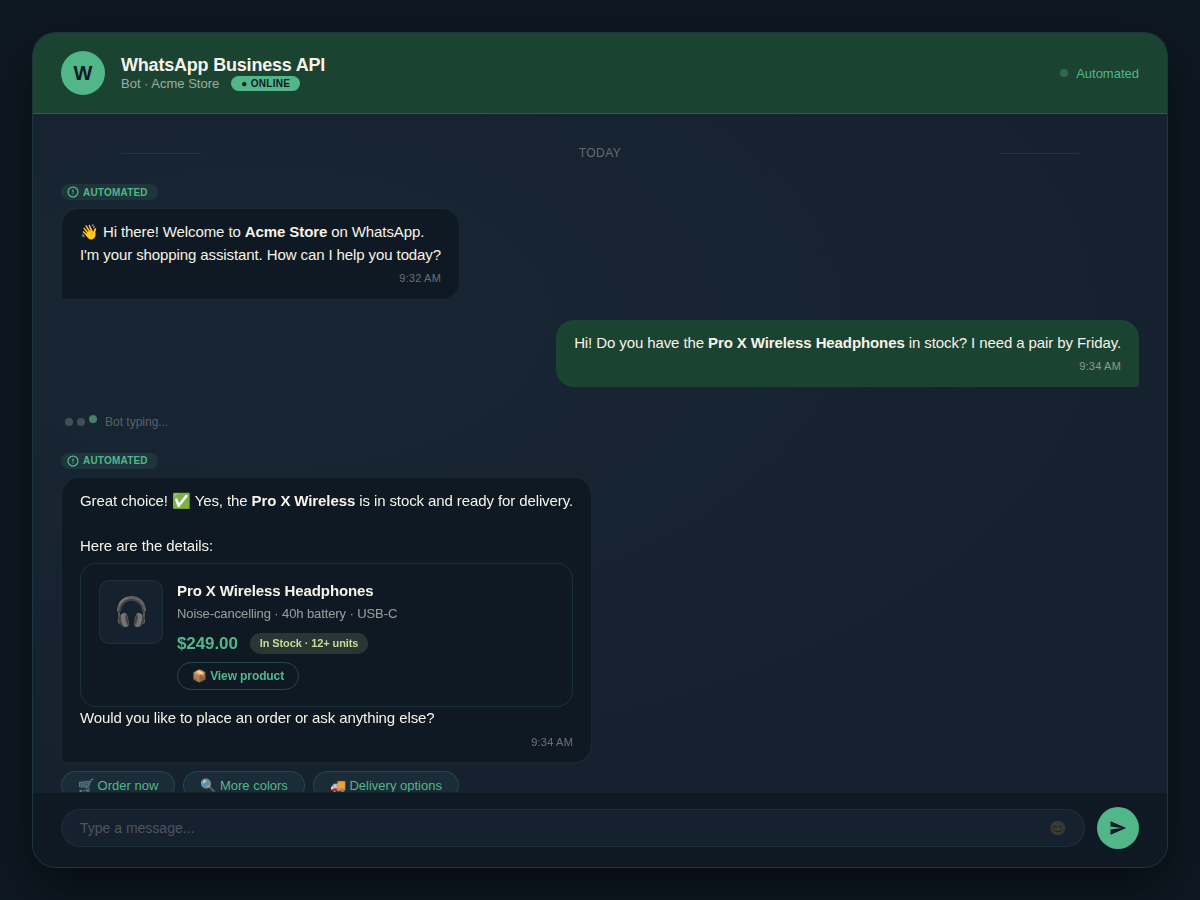
A 24/7 support agent has three layers. First, the intake layer: where the conversation starts. This is usually a website chat widget, a WhatsApp Business API integration, or an interactive voice response (IVR) system. The intake layer greets the visitor and captures basic context — name, intent, urgency.
Second, the decision layer. This is the AI brain. It uses a large language model (GPT-4, Claude, Llama) to understand the query, match it against a knowledge base (your FAQs, product specs, pricing guides), and decide: can this be answered automatically, or does it need a human? This layer must be trained on your actual documents, not generic internet data. A chatbot that doesn’t know your return policy is worse than no chatbot at all.
Third, the action layer. If the AI determines the query is simple (“What are your hours?”), it responds directly. If it’s complex (“My order is late and tracking hasn’t updated in three days”), it escalates to a human agent with full context attached. If it’s a sales opportunity (“I need a quote for 500 units”), it routes the lead to a qualified sales rep or books a meeting directly into your calendar.
This three-layer architecture is not negotiable. Skip the decision layer and you get a FAQ bot that frustrates customers. Skip the action layer and you get a lead that falls into a CRM black hole.
The Workflow Math
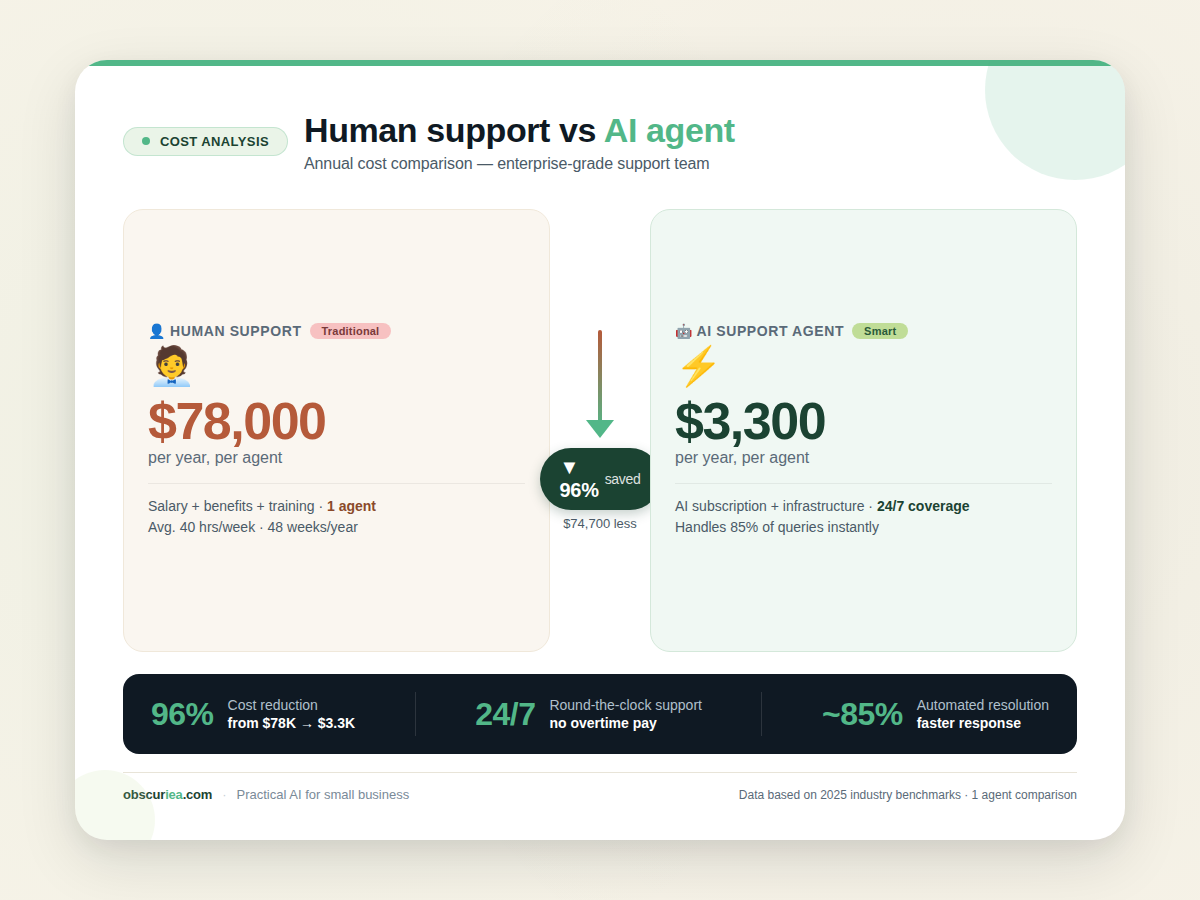
Let’s run the numbers on a typical small business scenario: a 10-person company receiving 150 customer inquiries per day across email, web chat, and social media. Before implementing an AI support agent, they have one dedicated support person (40 hours/week) and the owner handles overflow. Their hourly cost, including overhead, is $25 per hour for the support agent.
Current Cost
- Support agent: $25/hr × 40 hrs = $1,000/week
- Owner overflow: $50/hr × 10 hrs = $500/week (lost focus time)
- Total: $1,500/week = $78,000/year
AI Support Agent
- Subscription to a capable platform like [Intercom](https://www.intercom.com) or [Zendesk AI](https://www.zendesk.com): $150–$300/month
- Setup cost: 4–8 hours of developer time ($400–$800 one-time)
- Ongoing maintenance: 2 hours/month ($50)
- Total per year: $2,100–$4,500 (including setup amortized over 12 months)
Savings
- Direct cost reduction: from $78,000 to ~$3,300/year = ~96% reduction, or $74,700 saved annually.
- More importantly, the owner’s 10 hours per week are reclaimed. At an average hourly revenue generation of $150/hr (for a productized service business), that’s an extra $78,000/year in potential revenue.
But these numbers are only achievable if the chatbot actually handles 70%+ of inquiries correctly. If your training data is incomplete, the bot escalates everything, and you end up paying for both the software and the human backfill.
Where It Breaks
Every AI support agent has failure modes. Here are the ones that kill ROI:
1. Poor Knowledge Base. If your FAQ is outdated or missing crucial edge cases, the bot will hallucinate answers. One incorrect return policy explanation can cost you a customer relationship and a chargeback. Solution: audit your knowledge base quarterly. Every time a human agent answers an unusual query, add it to the training set.
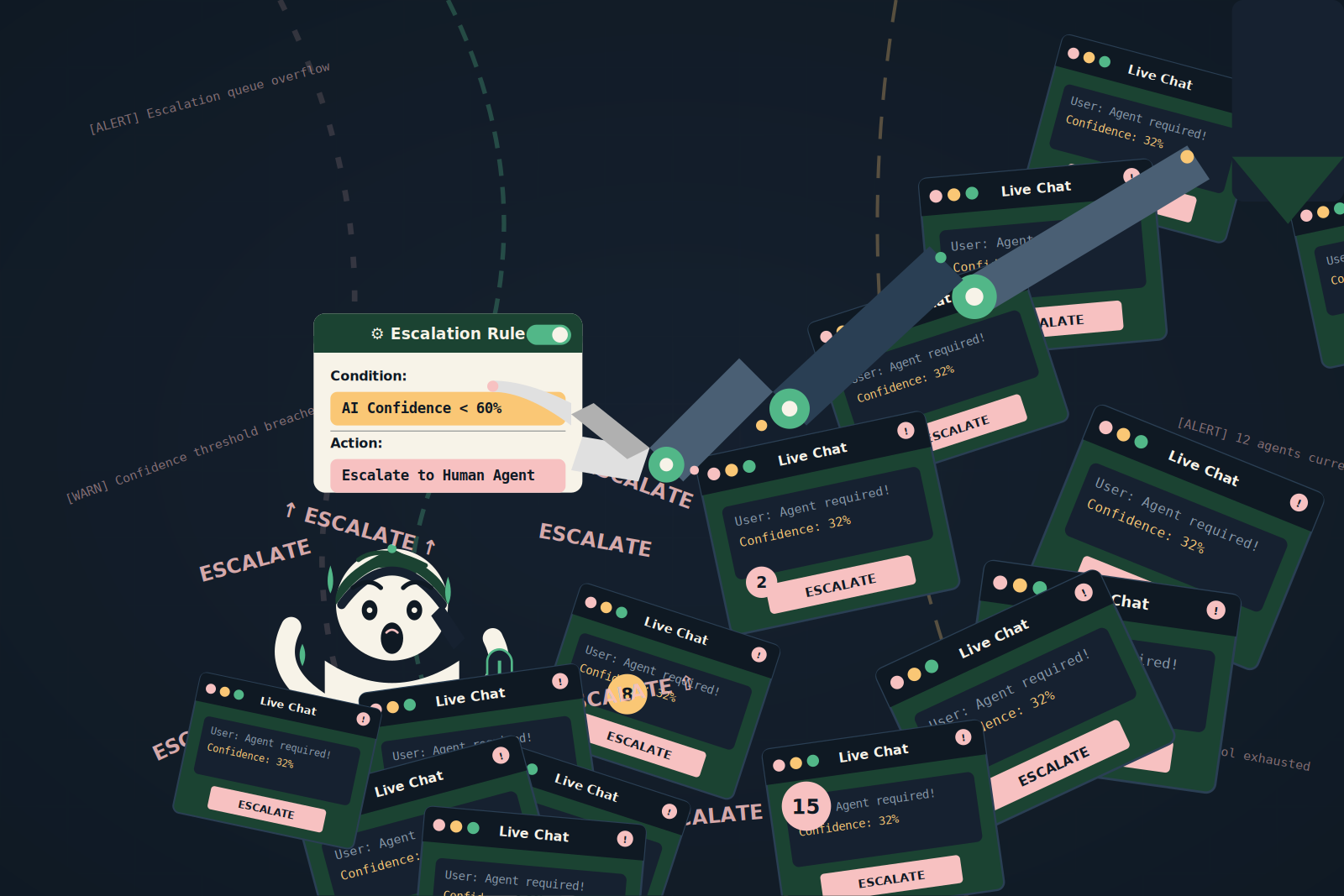
2. Escalation Fatigue. If your bot escalates everything that is slightly ambiguous, your human team will burn out. They’ll start ignoring notifications, miss urgent tickets, and resent the tool. Set escalation triggers carefully: escalate only when the customer explicitly asks for a human, when the query contains emotional language (“furious”, “refund immediately”), or when the bot’s confidence score is below 60%.
3. Over-reliance on a Single Channel. Many businesses put a chatbot only on their website. Meanwhile, 80% of their customer inquiries come via WhatsApp or Instagram DM. The AI support agent must be multi-channel. WhatsApp Business API is non-negotiable for markets like Indonesia, where WhatsApp is the primary customer communication channel.
4. No Context Handoff. When a bot handles part of a conversation and then passes to a human, the human must get all the context — what the customer already said, what the bot already answered, and what remains unresolved. If the human has to ask the customer to repeat themselves, trust erodes instantly.
5. Latency Creep. As your message volume grows, the AI response time can slip from 2 seconds to 5 seconds, then to 10. Customers in instant-message environments expect sub-2-second replies. If your bot takes longer, engagement drops. Monitor response times daily.
The Friction Box
- Initial setup of a good AI support agent takes 6–12 hours, not the 20 minutes promised by some vendors.
- Most chatbot platforms charge per active conversation, not per bot. A surge in traffic can unexpectedly double your monthly bill.
- Training the AI on your specific products requires manual document preparation — you can’t just dump PDFs.
- Multi-channel chatbots that work well with WhatsApp Business API are still rare outside of enterprise-grade tools like Intercom.
- Escalation logic is fragile: one bad rule change can flood your team with low-quality leads.
Frequently Asked Questions About Building a 24/7 AI Support Agent
How much does it really cost to run an AI support agent?
For a small business handling 150–200 inquiries daily, expect $150–$500/month for a capable platform plus $50–$100/month for the AI API usage (if using GPT-4). Setup is a one-time cost of $400–$1,500 depending on whether you use a no-code builder or need developer help.
Can an AI support agent handle complex technical questions?
Only if it’s been trained on your specific documentation and has access to a knowledge base. For questions that require deep context analysis, the bot should confidently hand off to a human. Do not let it guess technical answers — that’s how support tickets turn into escalations.
What’s the best platform for a 24/7 AI support agent?
It depends on your channel mix. For website-only, [Tidio](https://www.tidio.com) is affordable and e-commerce friendly. For multi-channel (WhatsApp, Instagram, email), Intercom or Zendesk AI are the gold standards. For a self-hosted solution, use n8n with GPT-4 integration (similar to the workflow in our source 2).
How do I prevent customers from getting frustrated with a chatbot?
Give them an easy way to reach a human. Display a “Talk to a person” button prominently. Also, never let the bot go silent — if it needs a second to process, show a typing indicator or say “Let me check that for you.” Transparency builds trust.
Does a 24/7 AI support agent replace my entire support team?
No. It handles the repetitive 70–80% of queries, freeing your team for complex cases, high-value sales conversations, and relationship building. You still need humans for empathy, nuance, and situations where only a person can decide.
How long does it take to train the bot to my business?
Expect 6–12 hours of initial setup and content preparation. After launch, the bot learns gradually from real interactions, but you should review flagged conversations weekly for the first month to correct mistakes.
The Straight Talk
This works best if you have at least 100 inquiries per week and a clearly documented knowledge base. If you’re a solo freelancer answering 10 emails a day, a simple autoresponder is cheaper and faster than a full AI support agent. If you operate across WhatsApp, email, and web chat with a team of 3+ agents, the math swings heavily in favor of automation.
Start by documenting your top 10 most common questions and how the team handles them. Then pick one channel — usually WhatsApp — and build the bot there first. Expand to other channels after you’ve validated the response quality. Do not try to launch on all channels simultaneously.