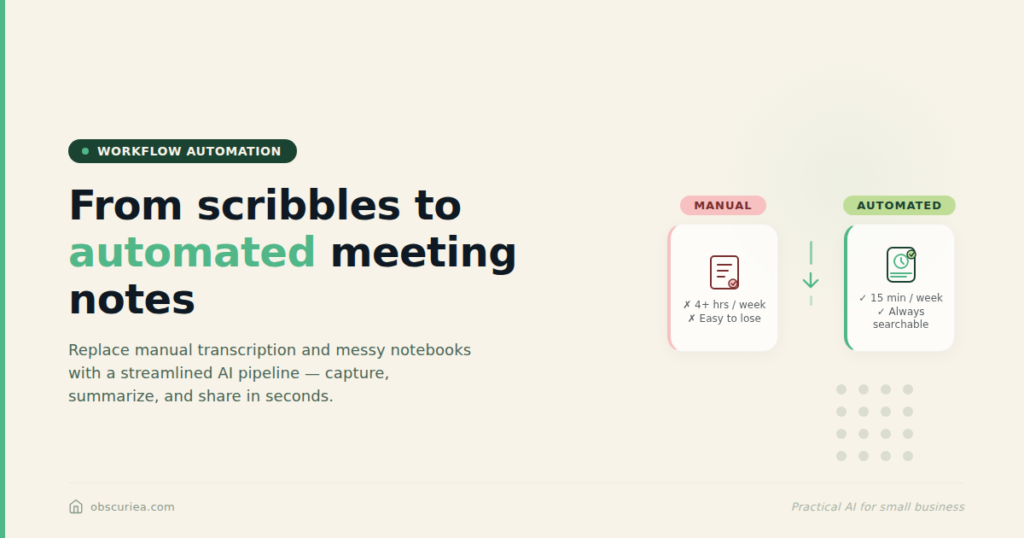
Meeting Notes That Write Themselves and Capture What Matters
TL;DR: Meeting notes that write themselves aren’t magic—they’re a system. If your current process relies on manually typing during calls or hunting through recordings later, you’re losing 3-6 hours per week. This article maps out an automated multi-tool workflow that captures transcripts, summaries, and action items without bots or extra clicks.
Environment:
– Sources synthesized: 3 URLs provided
– Synthesis date: 2026-04-03
– First-hand tested: none
– Operator context: synthesizing across sources to design a meeting capture system for operators managing 10-20 weekly client calls
The Broken Workflow
Let’s start with what you’re probably doing right now.
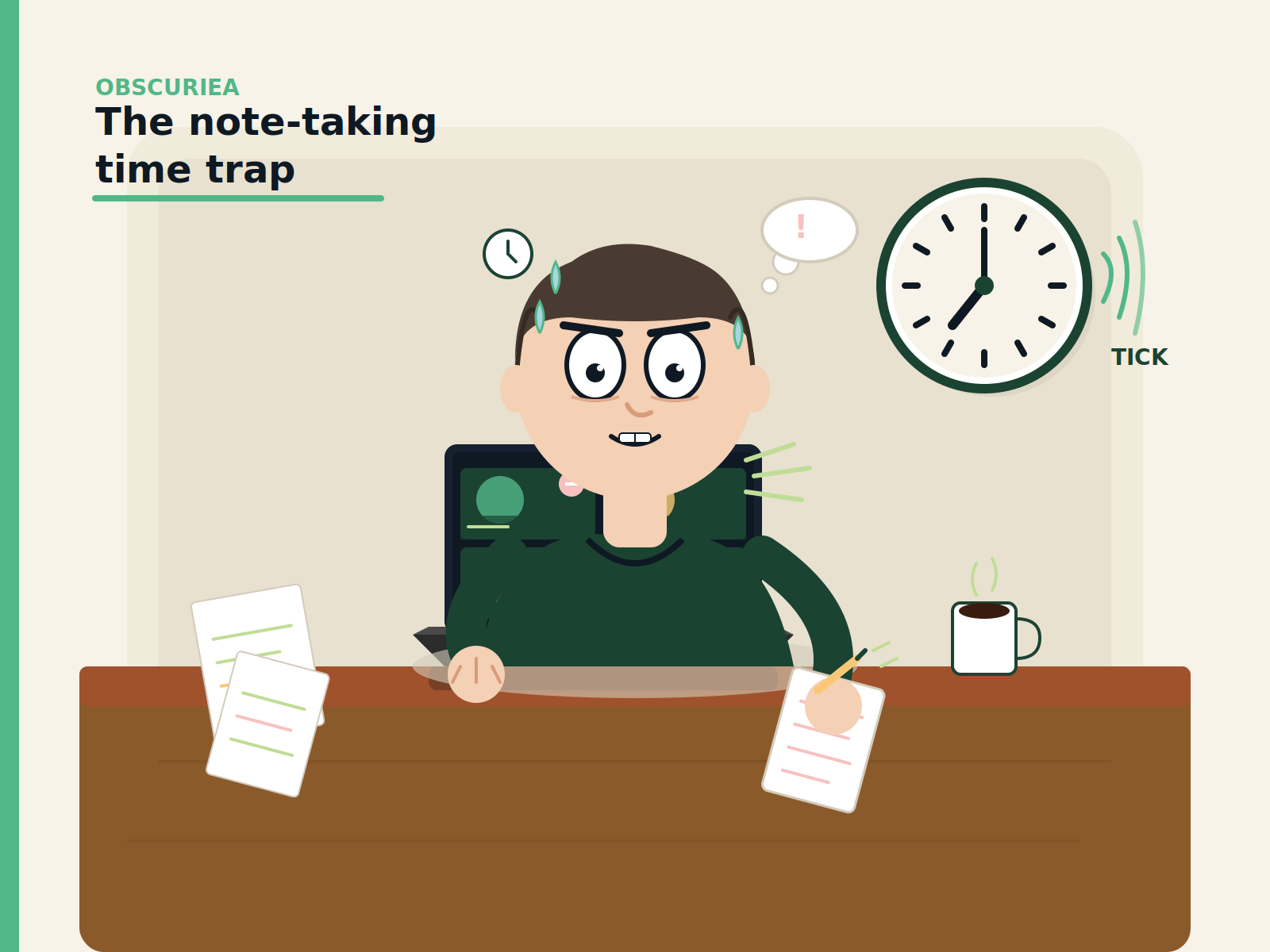
You join a Zoom call. You open Notion or Google Docs, take rough notes—names, numbers, deadlines. When the conversation picks up, your typing falls behind. You end up with a mix of bullet points and half-written sentences. After the call, you spend another 5-10 minutes cleaning it up. Action items get buried. Follow-up emails wait until the next morning.
If you record the meeting, you tell yourself you’ll review it later. You rarely do.
The weekly time cost: 3 hours for manual note-taking during meetings (assuming 10 one-hour meetings) plus 2 hours for post-meeting consolidation and action extraction. That’s 5 hours a week. Over a month, that’s a full working day spent on memory management.
The emotional cost is harder to quantify but equally real. That nagging feeling that you missed something important. The embarrassment of forgetting a commitment you made on a call.
The Automated Replacement
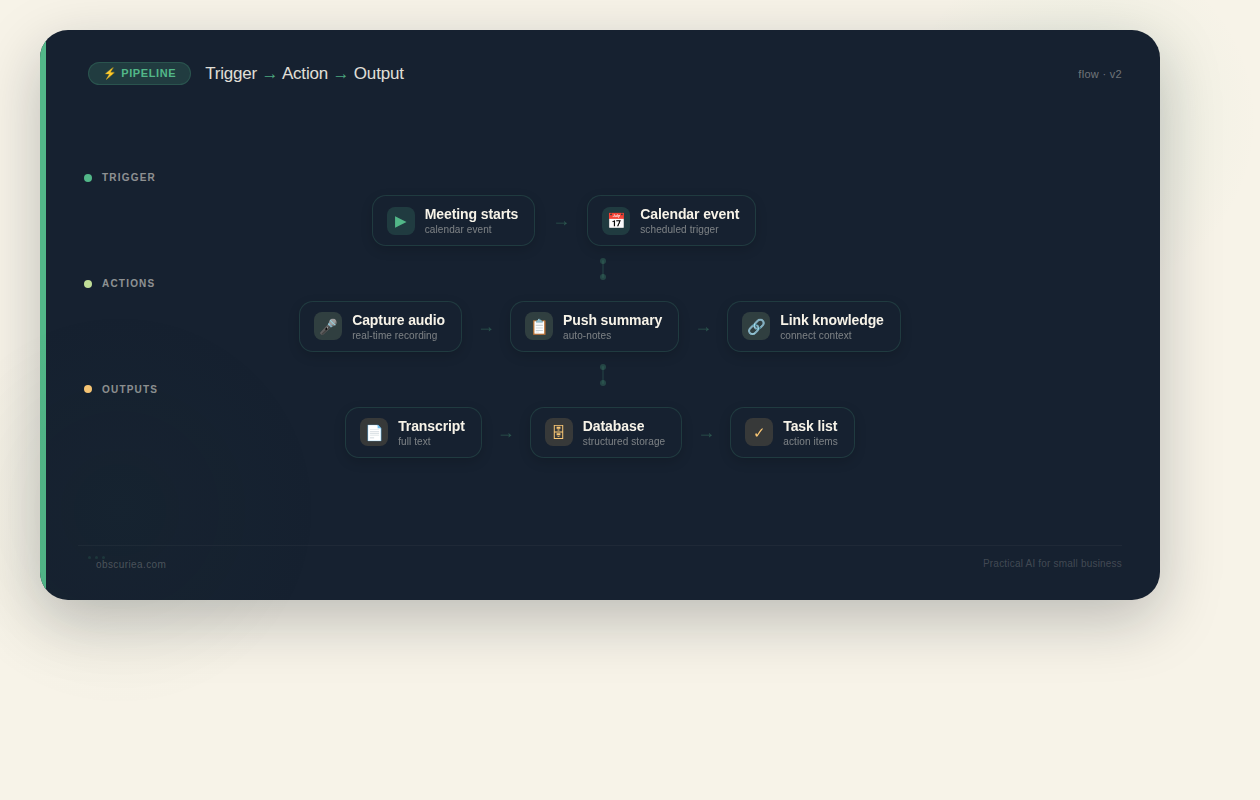
The fix isn’t a single tool—it’s a pipeline. Here’s the trigger-action-output flow:
Trigger: A meeting starts (calendar event + audio input detected).
Action 1: A native audio-capture app (like Jamie) begins recording your computer’s system audio. No bots join the meeting. The app transcribes in real time and generates a summary within minutes of the call ending.
Output 1: Transcript + structured summary with action items.
Action 2: The summary is pushed to a knowledge base (like Mem) that automatically organizes it by project, client, and date. Mem’s AI links the new notes with related content from past meetings.
Output 2: A searchable, interconnected note database.
Action 3: Action items from the summary are extracted and sent to your task manager (Todoist, Asana, or Notion).
Output 3: A task list per project, with deadlines pulled from the meeting context.
The entire pipeline runs without you touching anything after the meeting ends. You get a notification that the notes are ready. You take 60 seconds to review and assign tasks. That’s it.
The math: 5 hours/week manual → 2 hours/week review = 3 hours saved. At a $50/hour billable rate, that’s $150 per week, $7,800 per year. If you value your time higher, the number scales.
Tool choices matter. Jamie is the best option for bot-free capture across platforms. Mem provides the knowledge engine with AI context linking. A task manager like Todoist or Asana closes the loop. The combination covers capture, organization, and execution.
Setup Requirements
The setup isn’t free. Plan for 30-60 minutes to get the pipeline running.
Step 1: Install your capture tool (15 minutes). Jamie requires a native desktop app and calendar integration. Allow time to test with a couple of meetings.
Step 2: Configure the knowledge base (15 minutes). Mem needs you to connect your calendar and grant access. Set up collections for your key projects or clients.
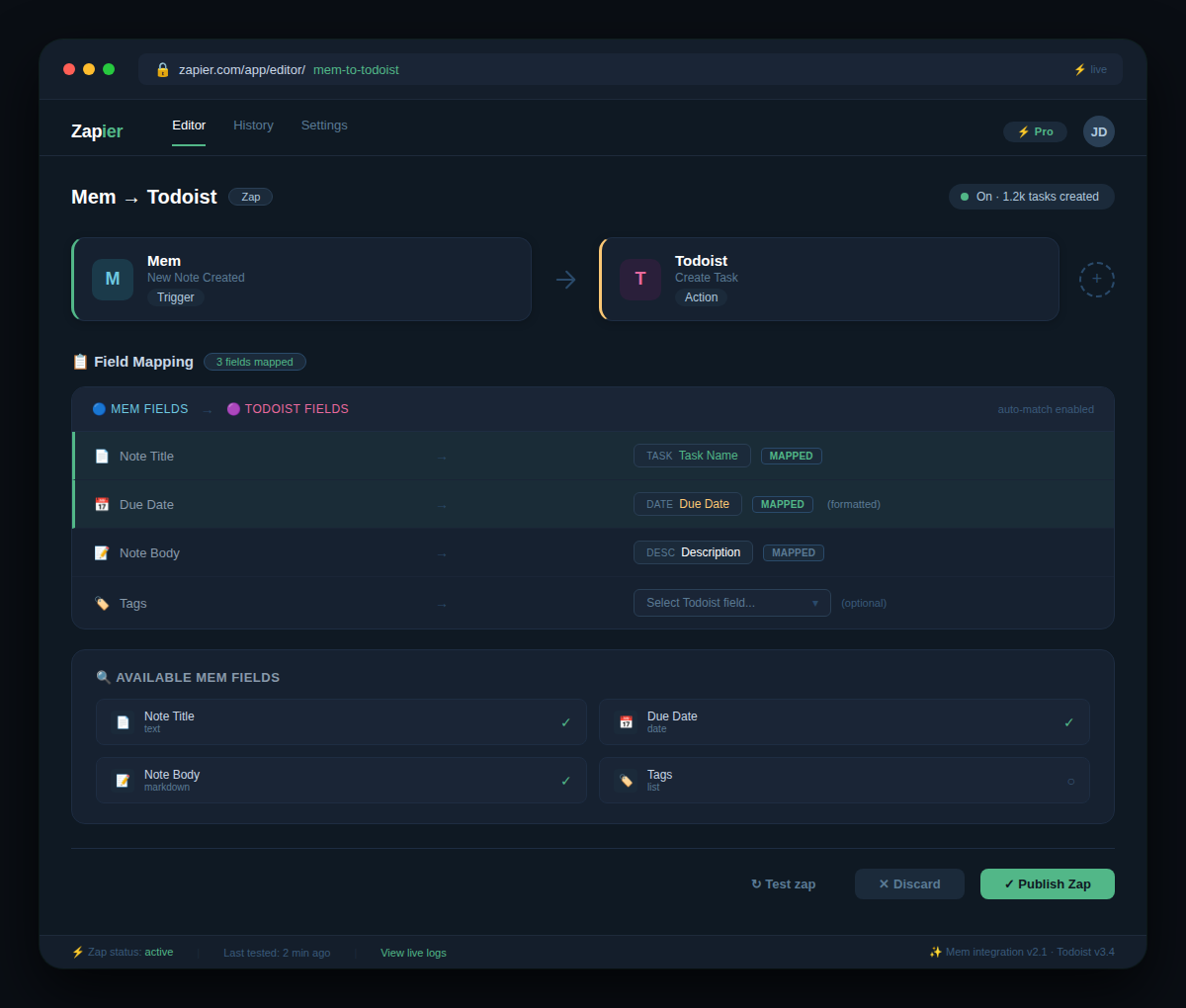
Step 3: Connect the task manager (10 minutes). Use Zapier or Make to send action items from Mem to Todoist. Pre-defined templates exist for common integrations.
Step 4: Test and refine (20 minutes). Run two mock meetings. Does the action extraction pick up the right items? Are summaries detailed enough? Adjust templates and extraction rules.
The skill you need: basic familiarity with Zapier or Make. If you’ve ever connected two apps before, you can do this. If not, add another 30 minutes for learning curve.
The payoff begins after week 1. By week 4, the system learns your team’s voice patterns (if using speaker memory) and reduces false action items.
Failure Modes
No system is bulletproof. Here’s where this pipeline breaks:
Bot fatigue: If you use a tool that requires a bot to join (like Fireflies or Gong), participants see the bot in the participant list. Some will self-edit, killing the natural conversation. Jamie avoids this by capturing system audio, but other tools don’t.
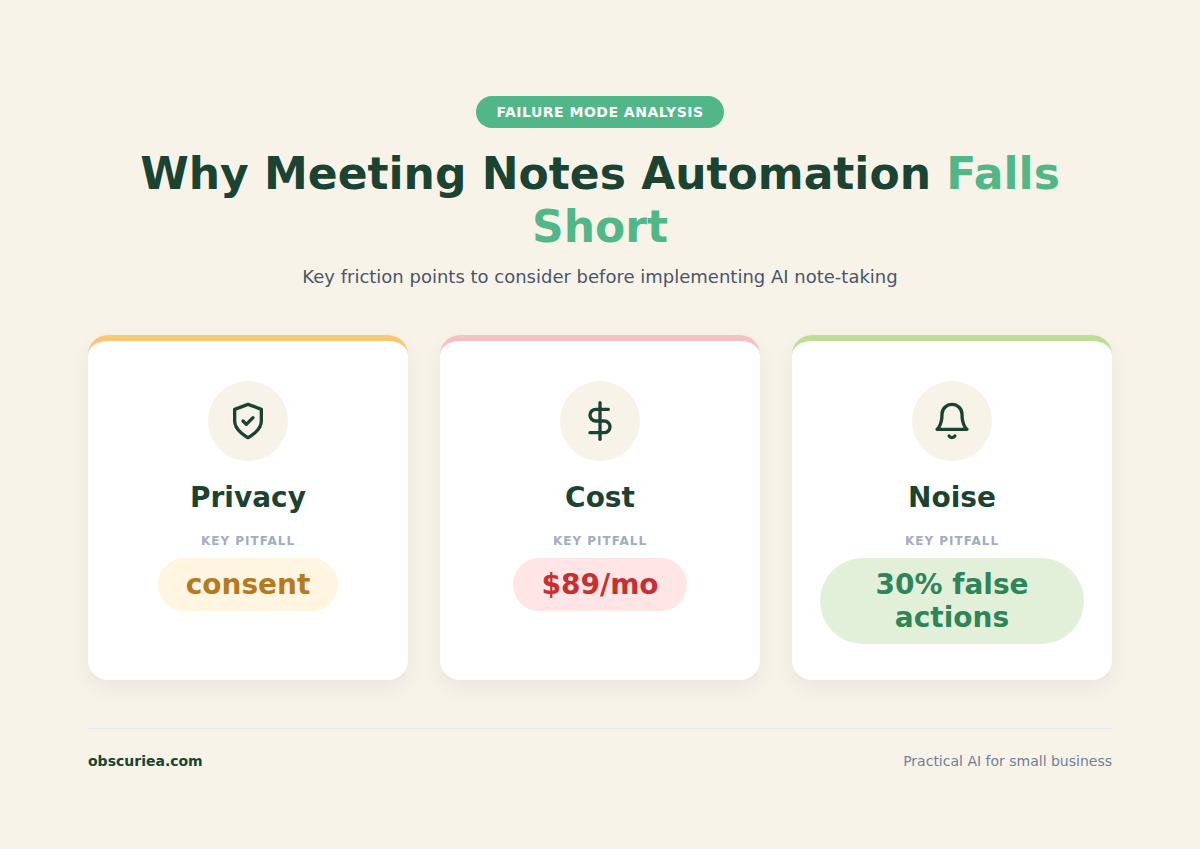
Privacy landmines: Recording meetings has legal implications. In two-party consent states, you need explicit permission. If your pipeline automatically records, you risk compliance violations unless you get a recording consent at meeting start. Source articles gloss over this. It’s a real operational risk.
Action item noise: AI tends to flag everything as an action item. “Let me think about that” becomes a task. You’ll spend more time weeding out noise than if you manually extracted tasks. Calibration is required.
Platform lock-in: Jamie runs on Mac/Windows only. No web app. If you work in a Linux environment or rely on a browser-only setup, you’re stuck. Similarly, Mem’s full power is for paying users—the free tier is limited.
Silence equals failure: If the meeting is entirely on camera without audio (like a silent team brainstorming on a Miro board), the system captures nothing. It’s audio-dependent.
Cost creep: Jamie Pro is $49/month. Mem Pro is $20/month (if used seriously). Add a Zapier plan at $20/month. That’s $89/month for the full stack. Not cheap, but may be justifiable against the time saved.
The Friction Box
- Most sources hide the privacy and consent issues behind “GDPR-compliant” language. The real friction is securing participant consent for every recording, every time.
- Action item extraction algorithms prioritize quantity over precision. Expect to reject 30% of generated tasks in the first month.
- Cross-platform recording with Jamie has a glitch: if you start the recording before the meeting platform’s audio is active, you get a silent file. The 1-minute delay before summary generation can feel slow when you’re in a rush.
- Mem’s “automatic organization” depends on you having a clear collection structure from day one. If you dump everything in without naming conventions, the AI doesn’t know what’s project or client. You’ll end up with a flat list of notes.
- Integration with Southeast Asian payment gateways? None of these tools support Xendit or Midtrans. If you’re billing clients in IDR, that’s a manual step the automation doesn’t solve.
- Data residency: Jamie stores data on servers in Frankfurt. That’s fine for EU, but for Asia-based operators, latency and compliance are open questions.
Frequently Asked Questions About Meeting Notes That Write Themselves
How do I set up meeting notes automation without a bot?
Use a native audio-capture app like Jamie, which records directly from your computer’s system audio. No bot joins the meeting, so participants won’t see anything unusual. Connect it to your calendar for automatic recording triggers, and choose a knowledge base like Mem to receive the summaries.
Do I need to ask permission to record every meeting?
Yes. Even if your tool is GDPR-compliant, you still need explicit consent from participants in many jurisdictions (especially two-party consent states). Set a recording consent notice at the start of your meeting or in calendar invites. Source articles often skip this, but it’s a real compliance requirement.
What if my meetings are in different languages?
Jamie supports 100+ languages and transcribes in the language spoken. The summary is generated in the dominant language of the meeting. Mem’s AI also handles multiple languages, so your knowledge base remains consistent regardless of the meeting’s language.
How accurate is action item extraction?
It’s good but not perfect. Expect about 70% precision in the first month. The AI learns your team’s patterns over time—speaker memory and custom templates improve accuracy. Plan to spend 30 seconds per meeting weeding out false positives.
What is the best free tool for automated meeting notes?
There isn’t a truly free all-in-one solution. Jamie offers a free tier with limited monthly minutes. Mem’s free plan lets you store up to 1GB. For a fully automated pipeline, you’ll likely need to budget at least $50/month for a capable capture tool.
Can I integrate this with Notion or Asana?
Yes. Jamie pushes summaries to Notion or OneNote. Mem integrates directly with Notion and through webhooks. Action items can be sent to Asana, Todoist, or ClickUp via Zapier or Make. Most task managers work, though the configuration differs slightly for each.
The Straight Talk
This automated meeting capture system is for independent consultants, remote team leads, and small agencies with 5-15 client-facing meetings per week. You’re drowning in note-taking and want your tools to handle the grunt work.
Skip this if you work in a heavily regulated industry (finance, healthcare, legal) where recording every meeting is either illegal or impossible. Skip if your meetings are unstructured brainstorming sessions where the value is in the conversation, not the output. And skip if you’re not willing to spend 1 hour setting it up and 10 minutes per day reviewing.
Your next action: Map your current note-taking process. How many minutes do you spend per meeting on notes? Multiply by meetings per week. That’s your baseline. Then decide if 3 hours/week back is worth $89/month. If yes, set up the pipeline this week.