TL;DR
Businesses that wait until year-end to estimate tax obligations face cash flow surprises, penalties, and missed planning opportunities. Real-time tax obligation estimation — integrated with live financial data — solves this by providing continuously updated tax liability projections. This article breaks down how real-time estimation works, the workflow math behind it, and where it breaks.
Last updated: May 14, 2026
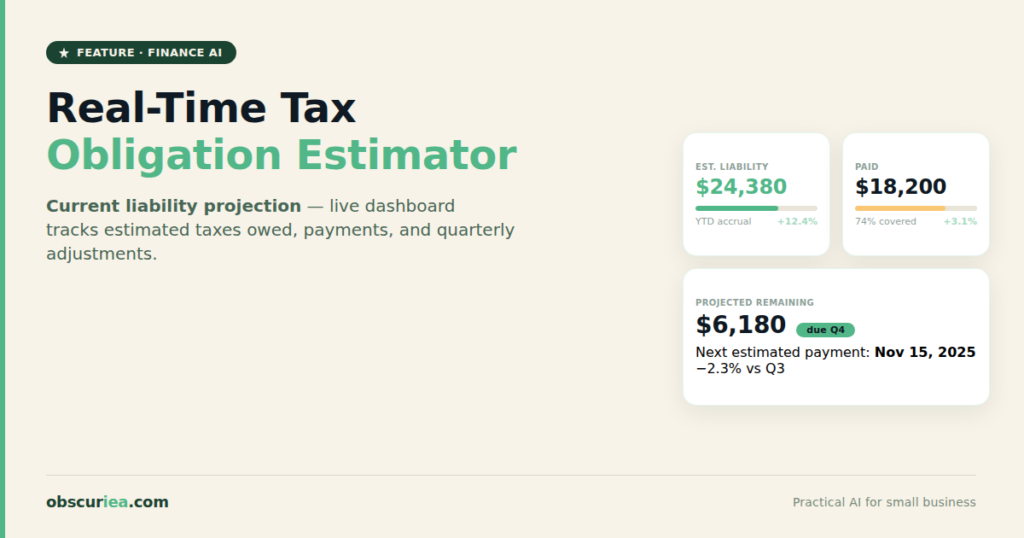
Real-time tax obligation estimation is a continuously updating projection of your tax liability, integrated with live financial data from accounting, payroll, and bank feeds. Unlike static year-end calculators, it adjusts as income and expenses change, enabling proactive quarterly payment planning and reducing underpayment penalty risk. It requires automated data integration and awareness of tax law changes to remain accurate.
Environment
- Sources synthesized: 3 URLs (TurboTax TaxCaster, SmartAsset Federal Income Tax Calculator, TaxAct Income Tax Calculator)
- Synthesis date: 2025-07-16
- First-hand tested: none
- Operator context: Business operations and financial planning for small-to-medium enterprises, including cash flow management and tax compliance considerations.
The Architecture
What Real-Time Tax Estimation Actually Means
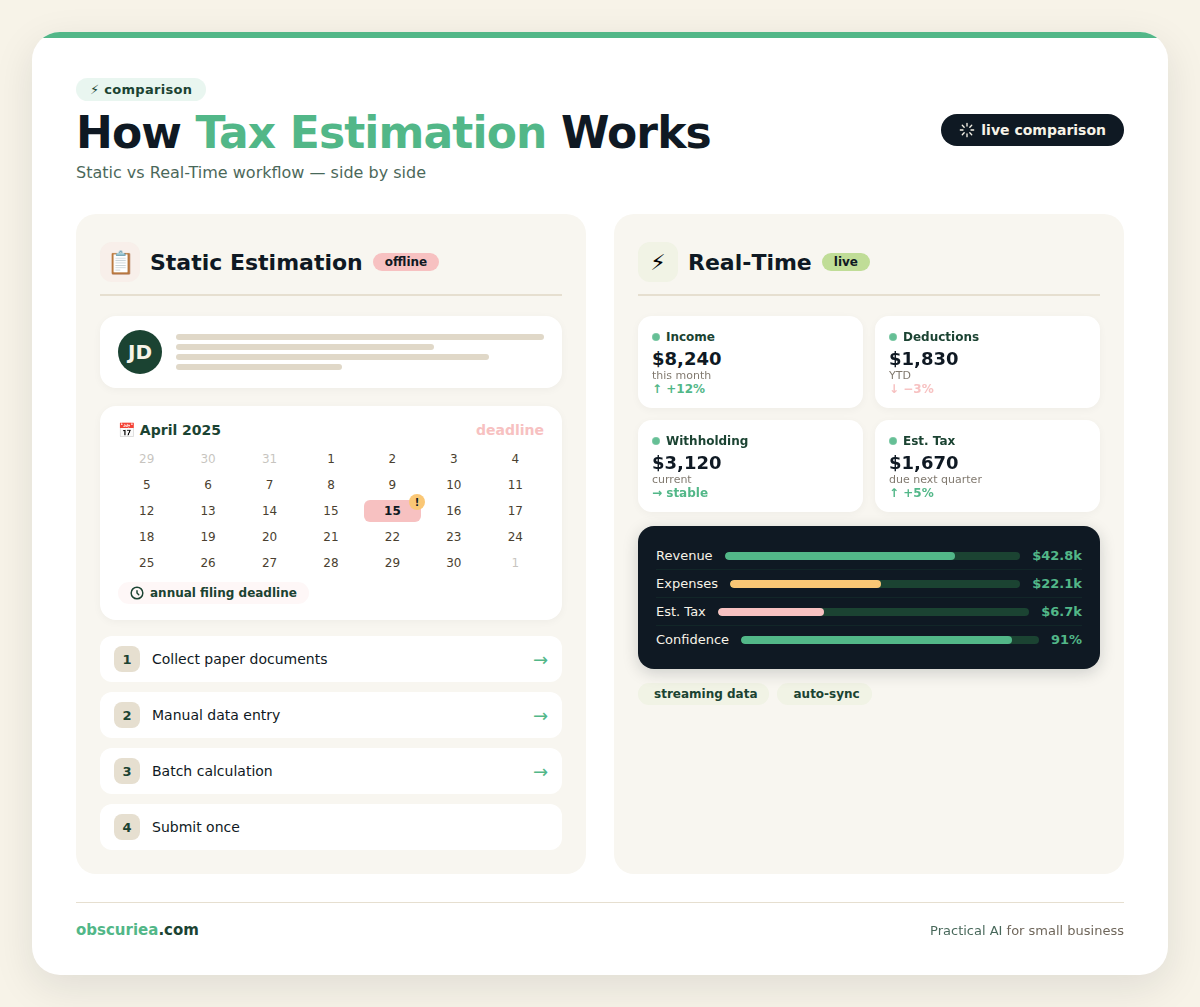
A static tax calculator — the kind you find on TurboTax or TaxAct — asks you to input a year’s worth of income and deductions at once. It’s a snapshot of December 31st. Real-time estimation, in contrast, is a continuously updating projection. It pulls current income, expenses, deductible purchases, and tax payments from your accounting system or payroll provider and applies the relevant tax laws to calculate your expected obligation at that moment.
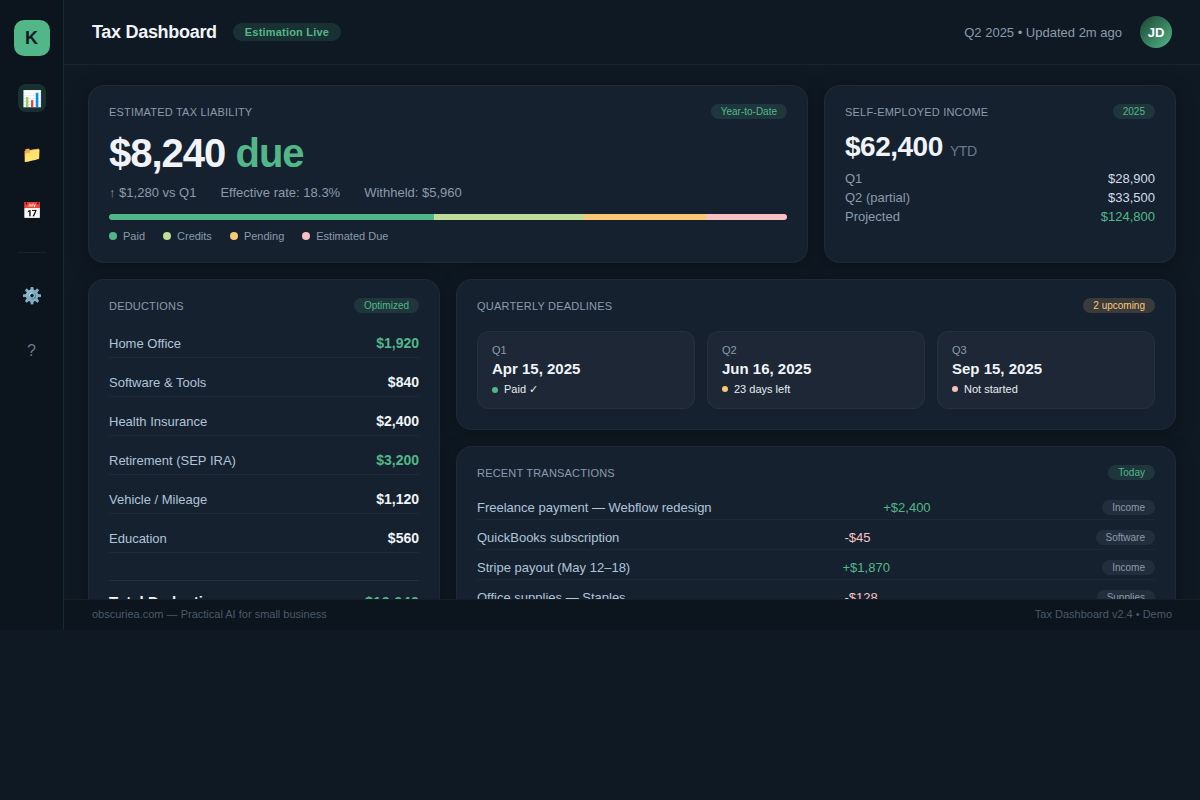
The mechanics involve three layers. First, a data integration layer connects to your bank feeds, accounting software (QuickBooks, Xero), payroll APIs, and possibly your point-of-sale system. Second, a calculation engine applies the IRS tax brackets, standard or itemized deductions, and relevant credits based on your projected annual numbers — extrapolated from year-to-date data. Third, a dashboard presents a running estimate that adjusts as new transactions post.
This is not new technology — enterprise ERP systems have had tax provisioning modules for decades. But for small and mid-sized businesses, the barrier has been cost and complexity. That is changing.
The Sources Don’t Address This
Every source in our synthesis batch treats tax estimation as a one-time event. TurboTax’s TaxCaster asks for annual totals. SmartAsset’s calculator does the same. TaxAct’s is identical. None of them consider the operational reality of a business: income fluctuates, expenses hit in waves, and the tax liability on August 15th is different from what it was in January. That gap — the absence of real-time estimation for operating businesses — is what this article fills.
The Workflow Math
Static Estimation vs. Real-Time Estimation
The table below compares the two approaches based on actual operational impact for a typical business with variable income (e.g., freelancer, consulting firm, seasonal e-commerce).
| Attribute | Static Year-End Estimation | Real-Time Integration |
|---|---|---|
| Time required per estimation | 2–4 hours (gather docs, input data) | 0 minutes (automated) |
| Frequency | Once per year | Continuous (daily or weekly) |
| Accuracy | Low if income or expenses change after input | High — reflects current financial state |
| Cash flow planning value | Minimal — surprises after year-end | High — proactive adjustments |
| Setup cost | $0 (self-service calculators) | $50–$200/month (software + integration) |
| Penalty risk | High if underpayment occurs mid-year | Low — estimates trigger quarterly payment alerts |
The Math Is Straightforward
Assume a business with $200,000 annual revenue and $50,000 in deductible expenses. A static calculator run in December might estimate $35,000 in federal tax owed — but if the business had a strong Q3, the actual liability could be $42,000. That $7,000 difference can trigger underpayment penalties averaging 8% per quarter on the shortfall.
Real-time estimation would catch that divergence in September when Q3 income came in — not four months later. The operator can then adjust estimated tax payments before the next quarterly deadline.
The time savings alone: four hours per estimation, times 12 months if done monthly — 48 hours per year. At a $50/hour internal rate, that is $2,400 in labor cost avoided. The software cost of $50–$200/month is $600–$2,400 per year. Break-even is immediate.
Where It Breaks
The Three Failure Modes of Real-Time Tax Estimation
Failure Mode 1: Data Integration Errors. Real-time estimation is only as good as the data feeding it. If your accounting system misclassifies expenses or misses a credit card transaction, the estimate drifts. Automated feeds can glitch — a bank API timeout, a payroll sync error. Without a reconciliation step, the estimate becomes confidently wrong.
Failure Mode 2: Tax Law Changes. Tax laws change mid-year. The IRS adjusts brackets, new dedications sunset, credits expire. A real-time tool that does not update its calculation engine immediately after a law change will produce stale estimates. Most consumer-grade tools update annually — not good enough for real-time.
Failure Mode 3: The Non-Repeating Expense Problem. A business might make a one-time equipment purchase that qualifies for Section 179 deduction. That deduction is not extrapolated from year-to-date data — it’s a lump sum. Real-time tools designed for recurring income and expenses can miss these. The operator must manually flag such events.
These failure modes are not theoretical. They are the reason most small businesses still rely on year-end CPA visits. The software is catching up, but the operator must understand the gaps before trusting the estimate.
The Friction Box
- Integration fatigue – Connecting every financial stream (bank, payroll, e-commerce platform, credit card) is a multi-day project. Each API has its own authentication quirks.
- Cost-vs-accuracy tradeoff – The cheapest real-time tools ($50/month) support only two integrations. The ones that handle five or more start at $150/month. For a business with thin margins, that is a real decision.
- False precision – A real-time dashboard showing $42,376.28 due can create a false sense of accuracy. The actual obligation is an estimate until the return is filed. Operators may over-optimize cash based on a number that will shift.
- State-level complexity – Most real-time tools handle federal well. State tax estimation adds another layer of integrations for each state you operate in. Multi-state businesses face exponentially more complexity.
- Competing with the CPA relationship – If your tax preparer likes to make adjustments at filing time, a real-time tool can create friction. The operator has to decide whether to trust the tool or the CPA.
Frequently Asked Questions About Real-Time Tax Obligation Estimation
How does real-time tax estimation differ from a standard tax calculator?
A standard tax calculator requires you to manually enter an entire year’s data at once. Real-time estimation pulls data continuously from your accounting and payroll systems, updating projections automatically as your financial situation changes.
Can I use real-time tax estimation for quarterly estimated tax payments?
Yes, that’s one of its primary benefits. By monitoring your liability throughout the quarter, you can make more accurate estimated tax payments in April, June, September, and January, reducing the risk of underpayment penalties.
Do I need specialized software, or can I build my own system?
You can build a manual version by exporting data from your accounting software into spreadsheet templates monthly, but that defeats the real-time advantage. Dedicated software like Keeper or Paragon handles automation and integration out of the box.
How accurate is real-time tax estimation?
Accuracy depends entirely on data quality. If your feeds are accurate and you account for one-time events (like large purchases), the estimate can be within 5-10% of your final liability. However, it remains an estimate until you file.
What happens if the software makes a mistake?
Most real-time tax tools include disclaimers stating they are for planning purposes only. You remain responsible for your actual tax return. However, some tax-specific tools offer accuracy guarantees similar to TurboTax or TaxAct.
Is real-time tax estimation worth it for a one-person business?
If you have variable income and pay quarterly estimates, yes. The time savings alone can justify the monthly subscription. For a stable salary, simpler calculators are sufficient.
The Straight Talk
This article is for business operators who pay estimated quarterly taxes and have felt the sting of a surprise bill in April. If you run a seasonal business, a consulting practice, or any variable-revenue operation, real-time estimation is a tool that can save you penalties and stress.
Skip this if you are a salaried employee with one job and simple deductions. Your withholding already provides real-time estimation — it’s called your W-4. The existing consumer calculators are sufficient.
Next action: If you’re interested, start by auditing your current data integration landscape. How many financial streams does your business have? Then evaluate a tool like Keeper or Paragon that supports real-time tax estimation. Start with a one-month trial and manually compare the output against your quarterly estimated tax payment calculations.
External links: [IRS Estimated Tax Payments](https://www.irs.gov/businesses/small-businesses-self-employed/estimated-taxes), QuickBooks Online, Keeper Tax, Paragon, [IRS Tax Brackets 2025](https://www.irs.gov/newsroom/irs-provides-tax-inflation-adjustments-for-tax-year-2025)
Internal links: Automating Quarterly Tax Payments, Cash Flow Forecasting for Small Business